
Indoor Security Camera with Battery Backup
Keep your home protected even when the power goes out. Learn how battery backup cameras work, what features matter, and how to choose the right one for your indoor security needs.
READ THE GUIDEWhy Battery Backup Matters: A power outage shouldn't mean a security blind spot. An indoor security camera with battery backup stays online during blackouts, giving you continuous peace of mind. Whether you rent or own, these cameras are easy to install and reliable when you need them most.
What Is an Indoor Security Camera with Battery Backup?
An indoor security camera with battery backup is a surveillance device designed to continue operating even when your home's main power supply fails. Unlike traditional wired cameras that shut down during an outage, these cameras rely on a built-in rechargeable battery or a separate backup battery unit to keep recording and transmitting video.
This category of cameras is ideal for homeowners and renters who want reliable indoor monitoring without the hassle of complex wiring. Many models also function as standalone battery-powered cameras, meaning they don't need to be plugged in at all during normal operation — you simply recharge them periodically.
If you're looking for a camera that can handle power interruptions while still offering features like night vision, motion detection, and remote viewing, this guide will help you understand exactly what to look for. For those who need similar reliability outdoors, you might also consider a battery-powered security camera with night vision to cover entryways and yards.
How Does Battery Backup Work in Security Cameras?
There are two main ways battery backup is implemented in indoor security cameras:
- Fully battery-powered cameras: These cameras run entirely on a rechargeable battery. You charge them via USB, and they operate wirelessly for weeks or months depending on usage. When the battery runs low, you simply recharge it. These are perfect for renters or anyone who wants a no-strings-attached installation.
- Plug-in cameras with backup battery: These cameras plug into a wall outlet for continuous power but include an internal battery that kicks in automatically during a power outage. The battery typically lasts a few hours to a full day, depending on the model and activity level.
Both types offer distinct advantages. Fully battery-powered models are more flexible in placement, while plug-in models with backup batteries often support more advanced features like continuous recording and higher-resolution streaming.
It's also worth noting that some cameras can be paired with an external uninterruptible power supply (UPS) for extended backup. If you already have a wired CCTV system, you might explore UPS power backup for CCTV cameras and DVR to keep your entire setup running during outages.
Key Features to Look For
When shopping for an indoor security camera with battery backup, prioritize the following features to ensure you get the best value and performance:
1. Battery Life and Charging
Look for a camera that offers at least 3–6 months of battery life on a single charge under normal usage. Some premium models can last up to a year. Fast charging via USB-C is a big plus. If the camera is plug-in with backup, check how long the backup battery lasts during an outage — 4 to 12 hours is typical.
2. Video Resolution and Night Vision
1080p is the minimum standard today; 2K or 4K provides sharper detail. Night vision is essential for indoor monitoring, especially in low-light hallways or nurseries. Look for cameras with infrared (IR) LEDs or color night vision.
3. Motion Detection and Alerts
Smart motion detection that distinguishes between people, pets, and vehicles reduces false alerts. You'll want instant push notifications to your phone. Some cameras also offer customizable activity zones so you only get alerts for specific areas. For broader coverage, consider wireless security cameras with motion detection to compare options.
4. Storage Options
Local storage via microSD card (up to 256GB) is ideal if you want to avoid monthly fees. Cloud storage is convenient but often requires a subscription. If you prefer no ongoing costs, look for a security camera that does not require subscription.
5. Wi-Fi Connectivity and App Support
Ensure the camera supports your home's Wi-Fi band. Many newer models work with 5GHz networks for faster speeds. If you have a 5GHz router, check out indoor cameras that work with 5GHz Wi-Fi. The companion app should be intuitive, allowing you to view live feeds, review recordings, and adjust settings remotely.
6. Two-Way Audio and Sirens
Two-way audio lets you communicate with family members or pets, or deter intruders. Some cameras include a built-in siren that you can trigger remotely.
7. Privacy Features
Physical privacy shutters or the ability to disable recording when you're home are important for indoor cameras. Also, check for encrypted data transmission.
Benefits of Battery Backup Indoor Cameras
Investing in a camera with battery backup offers several advantages:
- Continuous protection: Your home stays monitored even during blackouts, which is when security risks can increase.
- Easy installation: No need for professional wiring — mount it on a wall or shelf and you're set.
- Flexible placement: Move the camera anywhere you need coverage, from the living room to the garage.
- Renter-friendly: No permanent changes to your home's electrical system.
- Peace of mind: Whether you're traveling or asleep, you know your home is protected.
For those who want to expand coverage to outdoor areas without running wires, a wireless battery outdoor security camera can complement your indoor setup perfectly.
Installation and Placement Tips
Proper placement maximizes your camera's effectiveness:
- Height: Mount cameras 7–8 feet high to avoid tampering and capture a good angle.
- Coverage: Place cameras near entry points, hallways, and valuables. Avoid pointing directly at windows to prevent glare.
- Wi-Fi signal: Ensure the camera is within range of your router. If not, consider a Wi-Fi extender.
- Power access: For plug-in models with backup, choose a location near an outlet. For fully wireless models, placement is more flexible.
- Privacy: Avoid aiming cameras at sensitive areas like bathrooms or bedrooms.
If you're unsure about installation costs for a full system, you can check out average cost of security camera installation to budget accordingly.
Battery Backup vs. Standard Indoor Cameras
How do battery backup cameras compare to traditional plug-in models?
- Reliability during outages: Battery backup wins — standard cameras go dark.
- Installation: Battery models are easier to install; standard models need an outlet.
- Continuous recording: Plug-in models with backup can record 24/7; battery-only models often use event-based recording to conserve power.
- Price: Battery backup models typically cost slightly more, but prices have become competitive.
- Maintenance: Battery models require periodic recharging; plug-in models are set-and-forget.
If you need a camera that works without any internet connection at all, explore security cameras that don't use internet for offline solutions.
Recommended Indoor Security Cameras with Battery Backup
⚠️ AFFILIATE DISCLOSURE: This website contains affiliate links. As an affiliate Associate, we earn from qualifying purchases. If you make a purchase through these links, we may receive a small commission at no additional cost to you. Read our full affiliate policy.
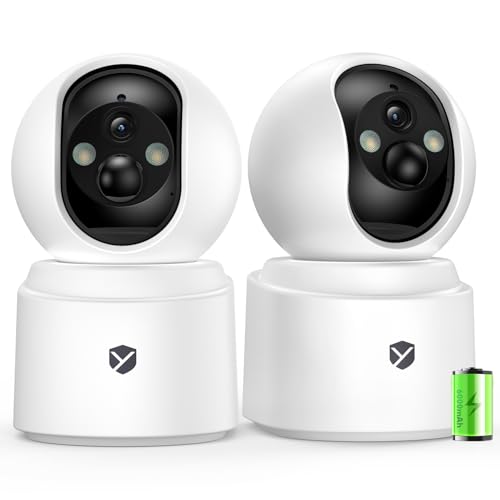
Battery Powered Indoor Camera Wireless 2 Pack with 2.5K Color Night Vision | PTZ Pet Camera with 6000mAh Rechargeable, Dual-Band WiFi, SD/Cloud Storage, 2-Way Audio, APP Remote, Cat/Dog/Home Monitoring
Check price on Amazon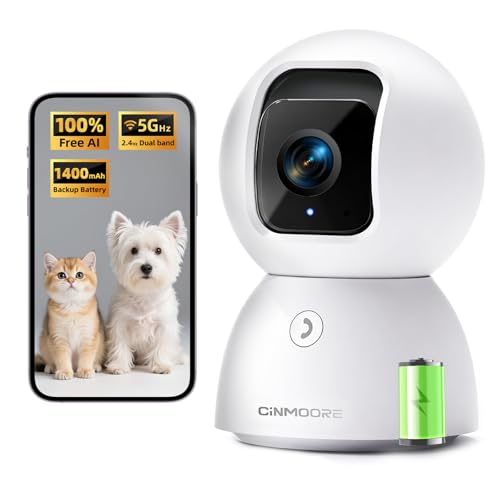
3K 5G Wi-Fi Security Camera Indoor, Backup Battery for Power Outage Protection, Free AI Tracking Facial ID, 5MP Pet/Dog Camera w/ Speaker & Phone App, PTZ Baby Monitor, 0-Glow Night Vision, 2-Way Talk
Check price on Amazon
youkey Magnetic Indoor Security Camera Wireless, 2K Battery Powered Camera, No Subscription, Built-in 8GB Storage, Wire-Free for Renters, Compatible with Alexa & Google, Pet/Baby Monitor(S320)
Check price on Amazon
4MP Indoor Security Camera Wireless Battery Powered,6000mAh Rechargeable,WiFi6 2.4/5GHz,Bluetooth Quick Setup,3D Noise Reduction,Smart Motion Detection,2-way Talk,Color Night Vision Pet Baby Monitor
Check price on Amazon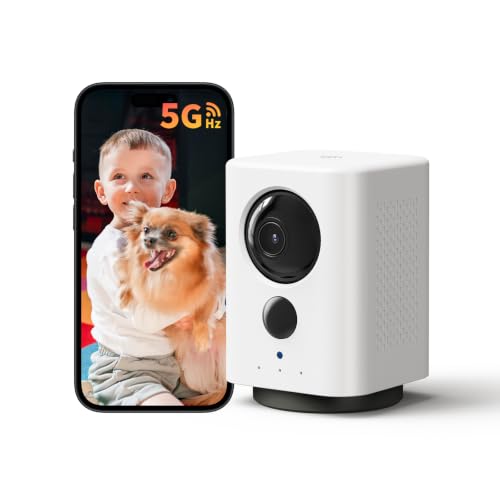
Indoor Camera Wireless, Battery Powered 5G/2.4G WiFi,2K Live View, Portable | Dog/Pet Camera, No Wires, Smart Detection, Instant Alerts, Night Vision, 2-Way Talk, Phone App Control Indoor Security Camera
Check price on Amazon
Battery Powered Indoor Camera Wireless with 2.5K 4MP Color Night Vision | PTZ Pet Camera with 6000mAh Rechargeable, Dual-Band WiFi, SD/Cloud Storage, 2-Way Audio, APP Remote, Cat/Dog/Home Monitoring
Check price on AmazonBuying Guide: How to Choose the Right Camera
Use this checklist to narrow down your options:
- Determine your budget: Indoor battery backup cameras range from $50 to $250. Premium 4K models can cost $300+. Decide what you're comfortable spending.
- Decide on battery type: Fully wireless or plug-in with backup? If you want zero wiring, go fully wireless. If you want 24/7 recording, choose plug-in with backup.
- Check resolution: 1080p is fine for basic monitoring; 2K or 4K if you need to identify faces or license plates.
- Storage preference: Local microSD (no fees) vs. cloud (subscription). Some cameras offer both.
- Smart home compatibility: Works with Alexa, Google Assistant, or Apple HomeKit? If you have a smart home ecosystem, ensure compatibility.
- App quality: Read reviews about the app's reliability and ease of use.
- Warranty and support: Look for at least a 1-year warranty and responsive customer support.
For a broader look at outdoor options, you might also read what is a good outdoor security camera to compare features and plan a full home security strategy.
Maintenance and Care Tips
To keep your camera running smoothly:
- Recharge batteries fully before they hit 20% to prolong battery health.
- Clean the lens gently with a microfiber cloth.
- Update firmware regularly for security patches and new features.
- Test backup battery functionality every few months.
- Keep the app updated on your phone.
If you're handy, you might also consider security camera that screws into light fixture for a clever installation trick that provides constant power.
Frequently Asked Questions
How long does the battery backup last during a power outage?
It varies by model. Most plug-in cameras with backup last 4–12 hours. Fully battery-powered cameras can last weeks or months on a single charge, but they don't rely on mains power at all.
Do I need Wi-Fi for a battery backup camera to work?
Most cameras require Wi-Fi for remote viewing. However, some models can record locally to a microSD card even without internet. If you need a camera that works completely offline, look for wireless security camera that does not require internet.
Can I use a battery backup camera outdoors?
Indoor cameras are not weatherproof. For outdoor use, choose a camera rated for outdoor conditions, such as an outdoor security camera wireless solar powered.
Are battery backup cameras expensive?
They range from around $50 to $300, depending on resolution, brand, and features. You can find excellent value models under $100.
Do I need a subscription to use a battery backup camera?
Not necessarily. Many cameras offer free local storage via microSD. Cloud storage usually requires a subscription. Check out security camera that does not require subscription for options.
Final Thoughts
An indoor security camera with battery backup is a smart investment for anyone who wants uninterrupted peace of mind. Whether you're a renter looking for an easy DIY solution or a homeowner wanting to fortify your existing security system, these cameras deliver reliable performance when it matters most.
When choosing, focus on battery life, video quality, storage options, and app usability. And don't forget to consider how your indoor camera will integrate with your broader home security setup — from home security camera systems with remote viewing to home security camera system with audio, there are many ways to build a comprehensive system.
Ready to protect your home? Explore our recommended products above and take the first step toward a safer, smarter home today.