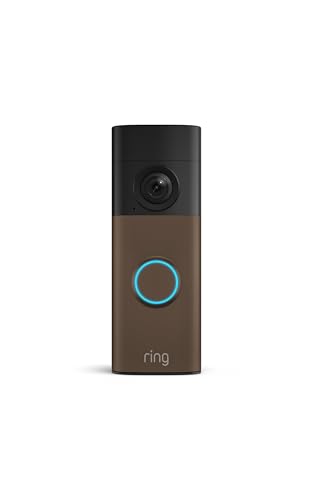
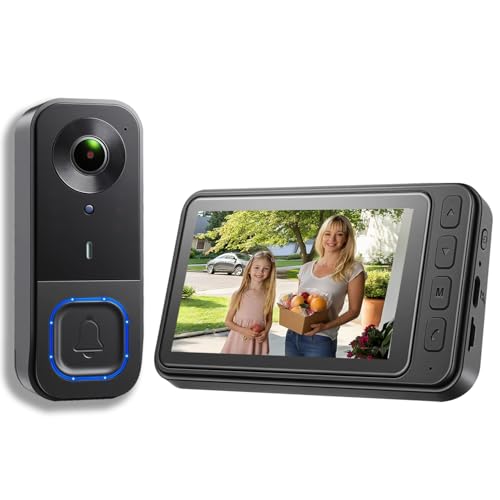
Why a Video Doorbell? A smart video doorbell is one of the easiest and most effective ways to upgrade your home security. It lets you see, hear, and speak to visitors from your phone—whether you're at home or on the other side of the world. But installation can be tricky if you don't know the basics. This guide walks you through every step.
Types of Smart Video Doorbells
Before you buy, understand the three main types. Wired doorbells use your existing doorbell wiring for continuous power—no battery changes needed. Battery-powered doorbells are easiest to install because they don't require any wiring, but you'll need to recharge them every few months. Wireless doorbells often combine battery power with Wi-Fi or a proprietary hub. If you're renting or don't want to deal with electrical work, a battery model is your best bet. For a seamless smart home ecosystem, consider a video doorbell and security camera bundle that covers both your front door and yard.
What You Need Before Installation
Gather these tools and check your setup:
- Existing doorbell wiring (for wired models) — check voltage with a multimeter (16–24V AC is typical).
- Strong Wi-Fi signal at your front door — use your phone to test signal strength. If it's weak, you may need a Wi-Fi extender or a cellular-connected doorbell.
- Drill and bits for mounting screws.
- Level to ensure straight installation.
- Smartphone with the doorbell's app installed.
- Transformer — if your existing doorbell transformer is underpowered, you may need to upgrade it.
If you're not comfortable working with electrical wiring, hire a professional. A professional home security camera installation service can handle both doorbell and camera setup safely.
Step-by-Step Installation Guide
Step 1: Turn Off Power
For wired doorbells, switch off the power at your circuit breaker. Test the existing doorbell button to confirm power is off. Never skip this step.
Step 2: Remove the Old Doorbell
Unscrew the old doorbell button and gently pull it away from the wall. You'll see two wires. Label them if needed—polarity usually doesn't matter for doorbells, but it's good practice.
Step 3: Mount the New Doorbell Bracket
Most video doorbells come with a mounting bracket. Use the included screws and anchors. If mounting on brick or stucco, use a masonry bit. Make sure the bracket is level.
Step 4: Connect the Wires
Connect the two wires from the wall to the terminals on the back of your video doorbell. Tighten the screws securely. If your doorbell requires a specific polarity, follow the manufacturer's instructions.
Step 5: Attach the Doorbell
Snap or screw the doorbell onto the mounting bracket. Some models use a security screw to prevent theft.
Step 6: Restore Power
Turn the circuit breaker back on. The doorbell should power up and begin its startup sequence. If it doesn't, double-check your wiring.
Step 7: Download the App and Connect to Wi-Fi
Install the manufacturer's app on your phone. Create an account, then follow the in-app instructions to connect your doorbell to your Wi-Fi network. You'll usually need to scan a QR code or enter a setup code.
Step 8: Configure Settings
Set up motion zones, notifications, and night vision. Most apps let you customize everything from sensitivity to chime type. If you have a motion-activated wireless security camera, you can link it to your doorbell for complete coverage.
Placement Tips for Optimal Performance
Where you mount your doorbell matters. Aim for a height of about 48 inches (122 cm) from the ground—roughly chest height for most adults. This gives the camera a good view of faces without distortion. Avoid placing it in direct, harsh sunlight, which can cause glare and overheating. If your door is recessed, make sure the doorbell has a clear line of sight to the street or driveway. For renters or those who can't drill, a security camera for apartment door peephole is a great alternative.
Troubleshooting Common Issues
- Doorbell won't power on: Check your transformer voltage. Most video doorbells need 16–24V AC. If it's lower, upgrade the transformer.
- Weak Wi-Fi signal: Move your router closer, add a mesh node, or consider a wireless security camera that doesn't need internet (uses local storage).
- False motion alerts: Adjust motion zones in the app. Avoid pointing the camera at busy streets or trees.
- Chime not working: You may need a bypass kit or a new chime. Check compatibility with your model.
Integrating with Your Smart Home
Most video doorbells work with Amazon Alexa, Google Assistant, and IFTTT. You can trigger lights, lock doors, or even play a recording when someone rings. If you have a smart Wi-Fi flood light security camera, you can create a routine that turns on the floodlight when the doorbell detects motion. For a fully integrated system, consider a wired and wireless security camera system that includes doorbell support.
Maintenance and Security Best Practices
Keep your doorbell clean—dust and cobwebs can obscure the lens. Check the battery level monthly if you have a battery model. Enable two-factor authentication on your account and use a strong, unique password. Keep firmware updated to patch security vulnerabilities. If you're concerned about privacy, look for models with local storage options, like a wireless security camera with cloud storage that lets you choose where your footage goes.
How Much Should You Expect to Pay?
Basic battery-powered video doorbells start around $60–$150. Mid-range models with better resolution, wider field of view, and advanced AI detection cost $150–$250. Premium wired models with 2K/4K video, package detection, and 3D motion sensors run $250–$400. Professional installation, if needed, typically adds $100–$200. For a complete home security setup, you might also want to explore high-quality security cameras for home to cover other entry points.
Final Thoughts: Installing a smart video doorbell is a manageable DIY project for most homeowners. With the right tools and a bit of patience, you can have a connected, secure front door in under an hour. Whether you choose a wired or battery model, the peace of mind is worth it. If you're still deciding, check out our video doorbell and security camera bundles for the best value.